 Ohm
Ohm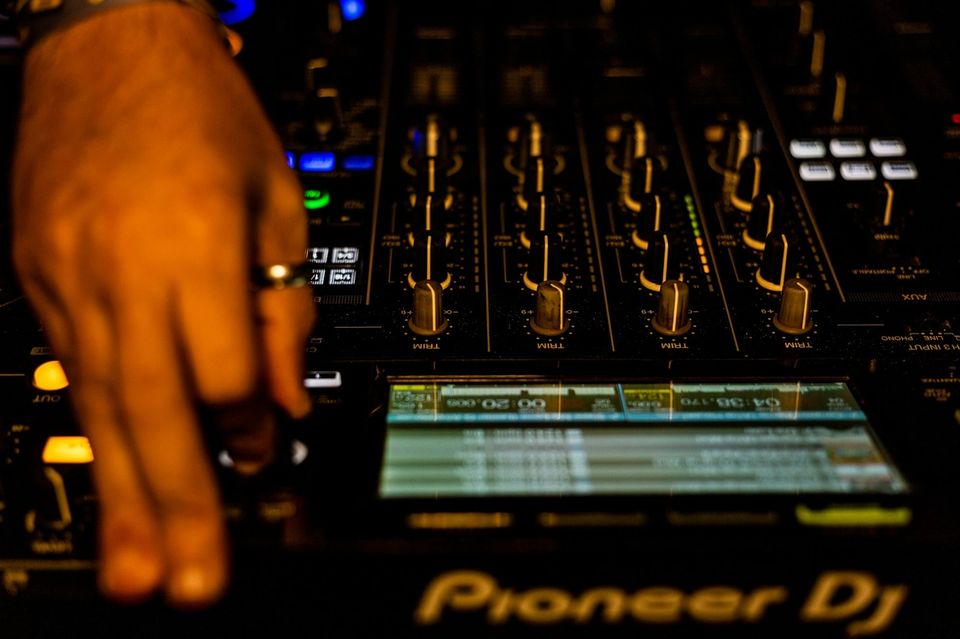
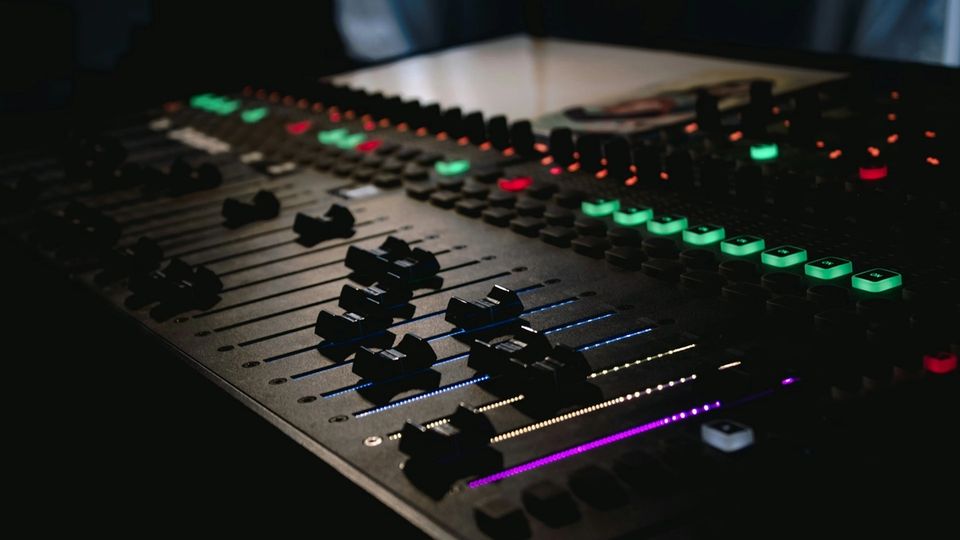
The DJM-V5 arrived in early 2026 as AlphaTheta's new three-channel mixer: 96 kHz, 64-bit DSP, $1,999. The hardware has been reviewed in the DJ press and is showing up in booths. For any DJ who records sets to iPhone, two details in the spec sheet matter more than the headline numbers.
One is the two USB-C ports. The other is which iPhones the mixer actually accepts.
Which port, and which phone
The DJM-V5 carries two USB-C connectors. One is the PC/Mac port on the back panel. The other sits in the MULTI I/O section on the top panel. The top panel port is the mobile port.
AlphaTheta designates this port for mobile connections. The port implements USB Audio Class, which means any compatible app on a compatible iPhone can use the mixer as a USB audio interface without drivers or additional hardware. The mixer presents as a standard USB audio device to the phone.
USB-C iPhones only. The DJM-V5 does not support Lightning connections, which rules out iPhone 14 and everything before it. iPhone 15, 15 Plus, 15 Pro, and 15 Pro Max are in. Any iPhone released since the 15 series is in. Any iPhone with a Lightning port is out.
How to connect
Four steps:
- Use the USB-C cable that came with your iPhone. Cable quality matters here. One DJM-V5 owner on a DJ forum reported unresponsive behaviour over a third-party cable until the original Apple cable fixed it.
- Plug into the MULTI I/O port on the top panel. Not the PC/Mac port on the back.
- Open Ohm. The app will recognise the connected audio device and prompt for permission if needed.
- Run a short test recording before any session you cannot repeat. Two minutes is enough to confirm signal, levels, and format.
No hub. No adapter. Direct cable, MULTI I/O port, top panel.
What Ohm records over USB
Ohm is an independent iPhone app for recording DJ sets. It is not made by AlphaTheta. On supported Pioneer and AlphaTheta mixers, Ohm captures the post-fader master mix as USB audio and writes a WAV file to the phone with embedded cue points, track markers, and metadata.
Pioneer and AlphaTheta mixers implement the mobile USB port using USB Audio Class. The DJM-V5 follows the same approach as other mixers in the lineup that Ohm supports. The signal at the MULTI I/O port is the post-fader master: what you hear at the master output is what goes to the phone.
Where verification stands
We have not completed a full end-to-end hardware test of Ohm with the DJM-V5. The reason this article exists is that the mixer is in booths and DJs are asking. Based on the USB Audio Class standard and how AlphaTheta has built the mobile port on other supported mixers, we expect it to work. Expect is not the same as verified, and this article is being straight about that.
If you have a DJM-V5 and want to try Ohm now: connect as described above and open the app. The USB indicator on the mixer will light when the connection is accepted. If it blinks, try the cable from the iPhone box. If Ohm detects the input, record a short test and listen back before a live session.
Ohm's supported mixer list will be updated once device testing is complete.
REC OUT is always an option
The DJM-V5 has an RCA REC OUT on the back panel. Any iPhone, including Lightning models, can record from REC OUT via a separate portable audio interface. The signal chain is longer, there is more to carry, and it costs extra. But it removes all questions about USB-C cable behaviour and mobile port compatibility.
For a session where a failed recording is not an option, REC OUT plus a portable audio interface is a reliable fallback for any mixer, any iPhone.