 Ohm
Ohm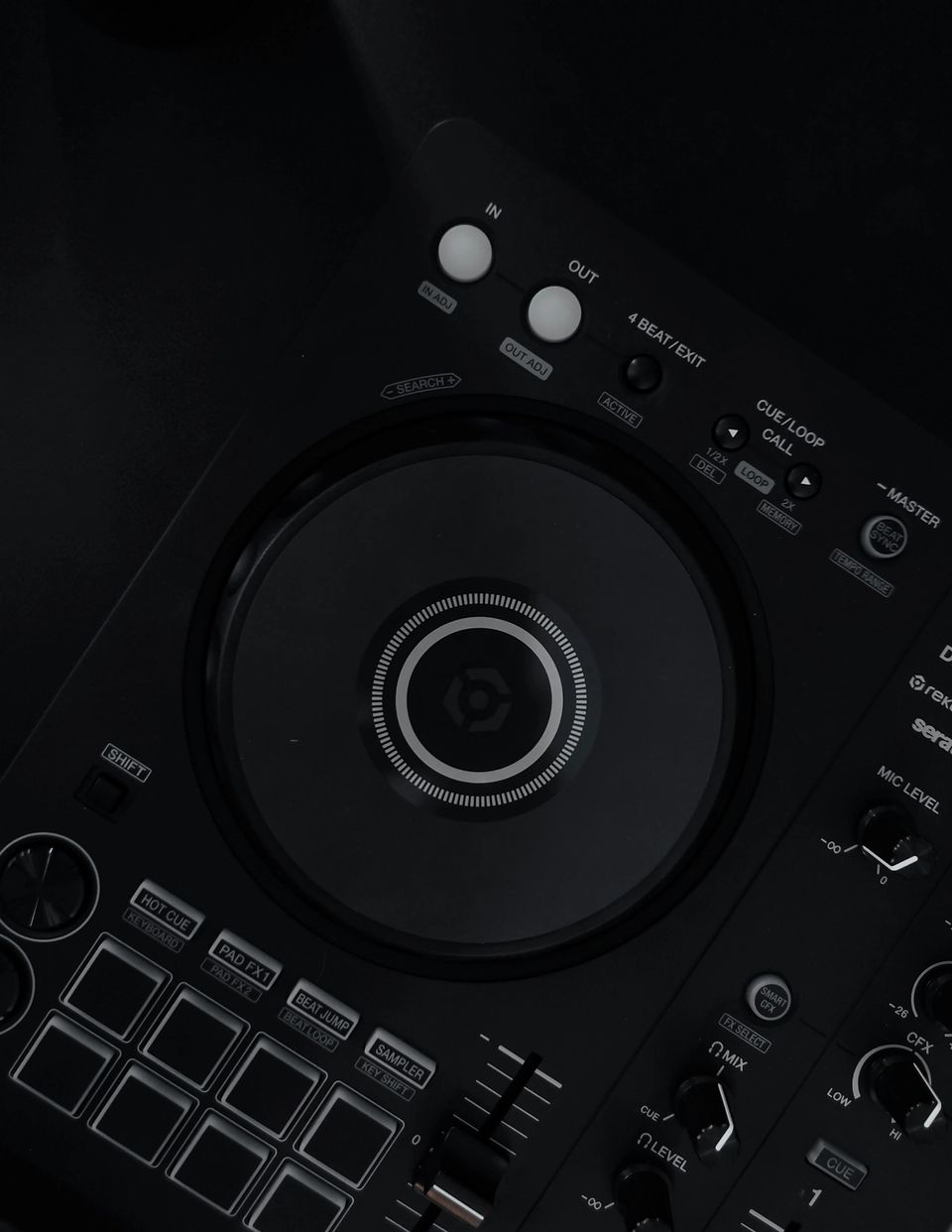
The Deckshark Mako is a $299 hardware box. Connect it to a Pioneer DDJ-FLX4 or DDJ-400 via USB and the controller works without a laptop. BITE DJ runs the show: a Mixxx-based system on Deckshark's own real-time Linux distribution, touchscreen-only, reads your Rekordbox or Serato library off a USB drive. The initial 150 pre-orders cleared in a weekend.
That demand makes sense. DDJ-FLX4 and DDJ-400 owners have been looking for this exact thing: a way to play at a house party or small event without bringing a laptop. It is a one-time $299 purchase, no subscription. Pre-orders are back open after the first batch shipped.
What the product page leaves out is what happens when you want to record the set.
BITE DJ Records to a USB Stick
BITE DJ does have recording built in. The recording stack is Mixxx under the hood. On the Mako, that means your set saves to the drive as WAV, FLAC, or Ogg Vorbis. You enable it from the settings tab. A dot in the settings indicator confirms it is running. The file lands on your USB drive.
Here is the catch.
The same USB drive you are DJing from becomes your recording destination. Your track library, cue points, and history data are on it too. The recording grows in the background while you play, and when the set ends, the file is on a stick. Not on your phone, not in your cloud storage. Anywhere you want it next requires a copy step.
That extra step is not catastrophic. But if you want to post the set or send it to a promoter the morning after, pulling a USB stick out of the Mako and connecting it to something is the first thing you do before you can share anything.
The DDJ-FLX4 Already Has the Output You Need
The DDJ-FLX4 has two RCA jacks on the rear panel. Master output, unbalanced, post-fader. Those carry the same stereo mix that BITE DJ is capturing internally, and when the Mako is running the show, those jacks are live.
That signal can go straight into a USB audio interface, and from there into an iPhone running Ohm.
The setup: DDJ-FLX4 master RCA output to a compact interface (Focusrite Scarlett Solo, Roland Rubix22, SSL 2) to iPhone via Lightning-to-USB3 adapter (or USB-C on current iPhones). Ohm records directly to the phone. The file is there the moment you stop. No stick to retrieve, no copy step.
The best USB audio interfaces for recording DJ sets covers class-compliant options that work with iPhone without drivers or extra configuration. Anything class-compliant will work.
Two Recorders, One Setup
Ohm running on the iPhone does not replace BITE DJ's internal recording. Both can run at the same time. The USB stick capture is there for archiving. The iPhone recording is there for sharing.
If BITE DJ runs into a problem mid-set, the Ohm recording continues on its own. The two are independent. That is not a selling point you will find on the Deckshark site, but it matters if you are recording something you care about.
Compatible Controllers and Availability
Three controllers are confirmed compatible at launch: DDJ-FLX4, DDJ-400, and FLX2, per the BITE DJ repository on GitHub. The $299 standard edition comes in black and white. A $329 limited edition ships in two colourways.
The Mako currently ships to the US only. International shipping is in the works, but no date or pricing outside the US has been announced. No EUR pricing is published. Deckshark's newsletter is the place to watch for international availability.
Deckshark published the source code on GitHub about a week before shipping, under a GPLv2 licence. The team is targeting bi-weekly firmware updates.
The standalone players and the hardware evolution of DJing puts this product in a longer context if that is useful.
The Mako is not trying to replace CDJs. It is trying to replace the MacBook that lives in the DDJ-FLX4 bag. For $299, it gets that job done. The recording gap it leaves is small, and an iPhone solves it.