 Ohm
Ohm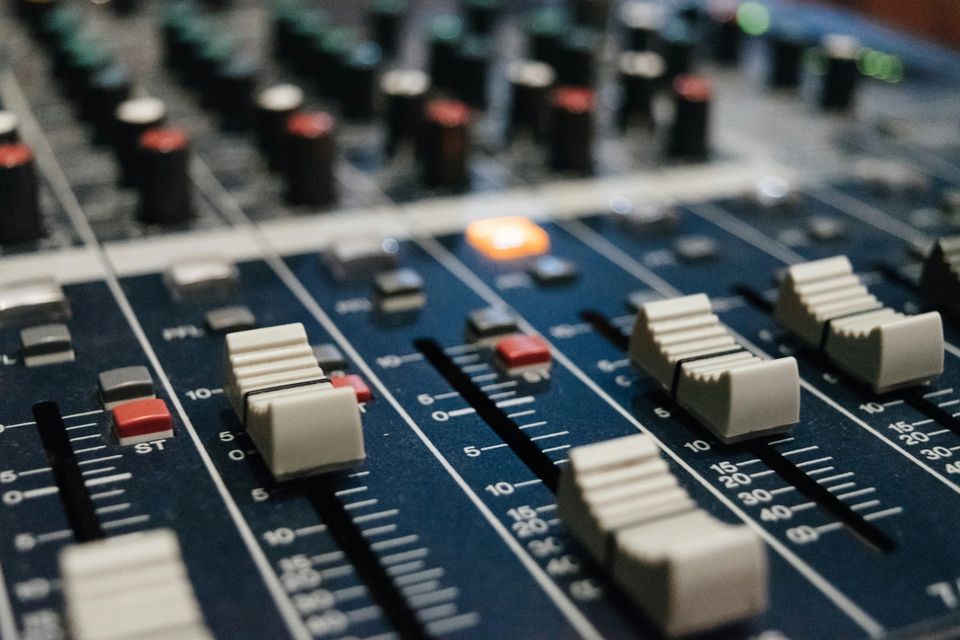
You connect your mixer to your iPhone, record a set, play it back, and something is off. The transitions sound flat — the fader cuts you made aren't there. Or you push the channel fader down during the mix and the recording doesn't react at all. The audio just keeps coming.
This is a routing problem, not a hardware fault. The USB audio leaving your mixer is being tapped from the wrong point in the signal chain. Understanding where that tap sits — and how to change it — is the difference between a recording that captures your mix as performed and one that doesn't.
Two points in the signal chain
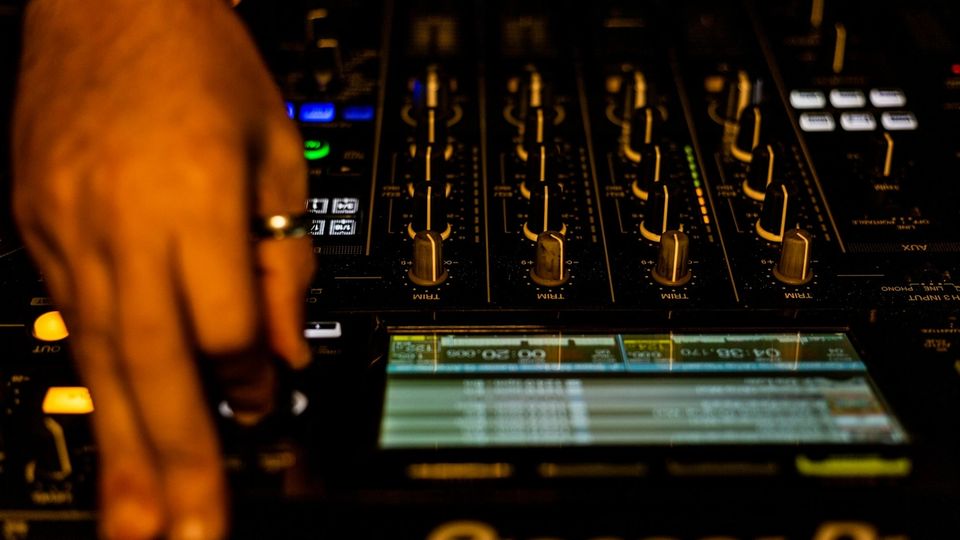
Every DJ mixer channel follows roughly the same order: input comes in, passes through the trim or gain control, moves through the EQ, through any filter, then hits the channel fader, then the crossfader, then the master fader, and finally reaches the output.
USB audio doesn't have to travel this whole journey. A mixer can tap the signal at any point and send it over USB. Where that tap sits determines what you get.
Pre-fader means the tap sits between the EQ and the channel fader — after your EQ and trim have shaped the signal, but before the fader touches it. Push a channel to zero. The USB audio from that channel stays at full level regardless. A fader cut in a transition, one of the most fundamental DJ moves, simply doesn't exist in the recording.
Post-fader means the tap is placed after the channel fader, the crossfader, and the master fader. Every physical control between the audio source and the output is reflected in the USB signal. Push the fader down and the level drops. Cut the crossfader and the audio stops. Nudge the master fader and you hear it. This is the mix as it was performed.
The difference is not subtle. A set recorded pre-fader sounds like a static blend of tracks — present but not mixed. A set recorded post-fader sounds like what you actually did.
Why your mixer defaults to pre-fader
Pioneer DJ, Allen & Heath, and Denon DJ all default individual channel USB sends to pre-fader. This is intentional. It is not a mistake or an oversight.
The reason is DVS. Serato DJ Pro, rekordbox, and Traktor all require a clean, constant audio signal from each deck regardless of where the fader is positioned. When a DJ using Serato moves the crossfader to silence a channel in the mix, Serato still needs to read the timecode from that channel to keep track of needle position. If the USB signal followed the fader to zero, the software would lose the timecode and lose track of the record.
Pre-fader USB sends exist for software, not for recording. The default channel send on Pioneer DJMs delivers this kind of signal: clean, at full level, unaffected by where the fader sits. If you plug into a DJM-750MK2 and start recording without changing any routing, you are capturing the Serato DVS signal — not your mix.
What you need for a mix recording
For a DJ set recording, you need the master record output — the post-fader stereo mix that carries everything the audience would have heard. On Pioneer mixers, this is called the Rec Out. On other hardware it may be labelled the master send, the booth output at reduced level, or a dedicated record bus.
DJM-750MK2: iOS class-compliant mode puts USB channels 1 and 2 on the CH3 pre-fader send by default. Ohm sends a PDJX SysEx handshake to the mixer at connection to switch USB 1/2 over to the Rec Out. Without that routing change, the channel fader does nothing to the recording — confirmed on hardware.
DJM-900NXS2: USB channels 9 and 10 are the Rec Out in class-compliant mode. Individual channel sends on USB 1–8 are pre-fader. If you are recording the 900NXS2, you need your recording app to use channels 9/10, not 1/2.
Other Pioneer DJM models: The same pattern applies across the range. Individual channel USB sends are pre-fader by default. The Rec Out — the highest-numbered USB output pair — is post-fader. Check your operating instructions for the exact channel assignment.
Allen & Heath Xone:96: The Xone:96 has dual USB soundcards, each with up to 24 channels at 32-bit/96kHz. The FX sends are switchable between pre- and post-fader. For per-channel recording routing specifics, check the Xone:96 manual — the Allen & Heath downloads page has it.
Denon DJ X1850 Prime and X1800 Prime: Both have dual USB connections at 24-bit/96kHz. For routing details, check the operating instructions on the Denon DJ site.
How to check your own mixer
Open your mixer's operating instructions and look for one of these terms: USB audio channel assignment, Rec Out, record output, master send, or USB routing. The relevant section will show a table of USB channels and what each one carries.
What you are looking for: a stereo output labelled as the Rec Out, master record, or post-fader master bus. That is the channel pair your recording app should use.
If your mixer has a physical Rec Out jack on the back panel — a dedicated pair of RCA outputs separate from the master output — the USB equivalent of that signal is what you want. They come from the same tap point in the signal chain.
What this means at the software level
Getting post-fader audio from a DJ mixer is not only a hardware matter. On Pioneer DJM mixers in iOS class-compliant mode, the USB routing defaults to pre-fader for DVS compatibility — and switching it to Rec Out requires a software-level command.
Pioneer's own DJM-REC app sends a PDJX SysEx handshake over USB MIDI when it connects to a DJM mixer. This command sequence tells the mixer to reroute USB 1/2 from the DVS channel send to the Rec Out. Without it, the default DVS routing stays in place regardless of what recording app is running.
Ohm sends this same command automatically on connect. The routing change happens in the background, before recording starts, without any manual configuration. The mixer behaves identically — it just routes a different signal to USB.
Using a different app with a DJM? Check whether it sends this routing command. If it doesn't, you may be recording pre-fader audio without knowing it. The test is straightforward: push the master fader down during recording and listen back. If the level in the recording follows the fader, you have post-fader audio. If it stays constant, you do not.
The short version
Your mixer's USB channel sends default to pre-fader for DVS software. That is correct and intentional. For recording a finished mix, you need the Rec Out — the post-fader master bus.
Find the Rec Out in your mixer's USB audio routing (check the operating instructions). Make sure your recording app uses those USB channels. If you are on a Pioneer DJM, confirm your app sends the routing command that switches USB output to Rec Out — or check your recording with the fader test above.
Everything you do with the faders, the crossfader, and the master is part of the mix. A recording that doesn't capture it is a recording of the tracks, not of the set.