How to Export Your DJ Set as Video from Ohm
After a live stream session, Ohm saves camera footage and WAV audio as separate files. The Audio + Video option in Set Detail merges them into a single shareable video with no desktop software required.
 Ohm
OhmVerified product updates and behind-the-scenes work on the Ohm app.
After a live stream session, Ohm saves camera footage and WAV audio as separate files. The Audio + Video option in Set Detail merges them into a single shareable video with no desktop software required.
When Ohm identifies a track during a recording, a non-blocking confirmation card appears showing the track name and artist. Tap to confirm, dismiss, or do nothing: after 25 seconds the track is logged automatically.
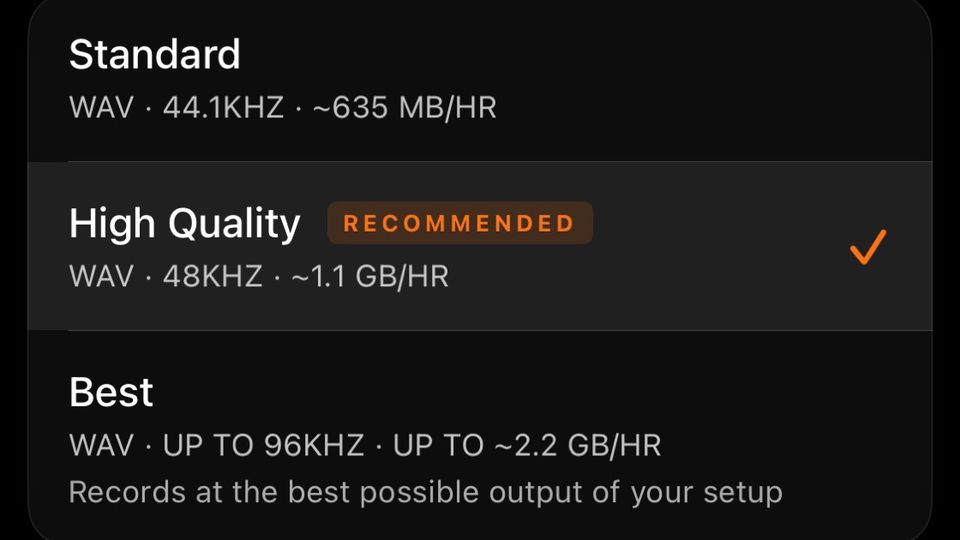
Ohm records DJ sets as WAV in three formats: Standard, High Quality and Best. This guide gives the sample rate, bit depth and storage per hour of each, and how to choose for your set length and phone storage.
Ohm streams your DJ set live to Twitch directly from iPhone, capturing post-fader USB audio, camera video, and a live chat feed from your audience. YouTube is also supported as a destination. When the stream ends, a local WAV and video file are saved automatically.
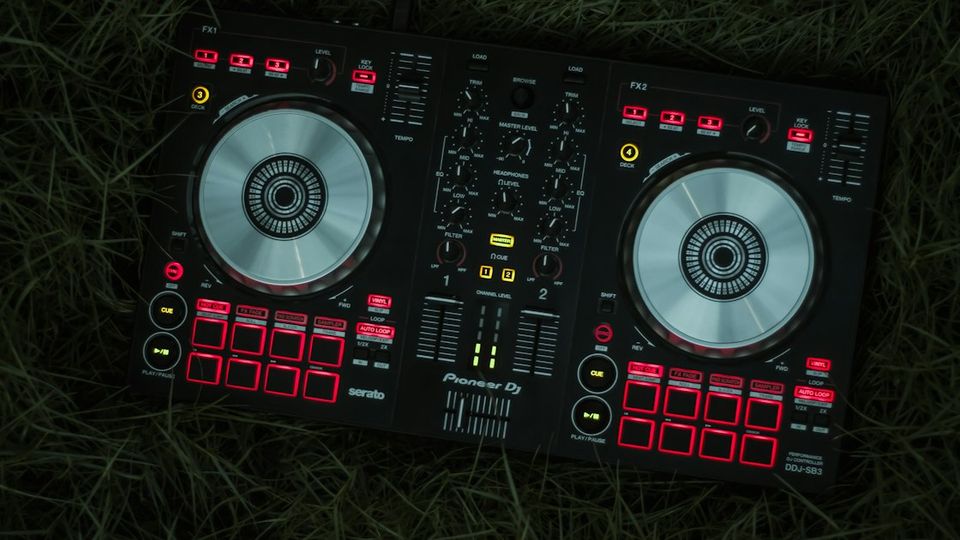
When you record from a USB mixer, Ohm reads channel fader positions in real time and places named track markers onto the waveform while you play. Your tracklist is ready the moment the set ends.
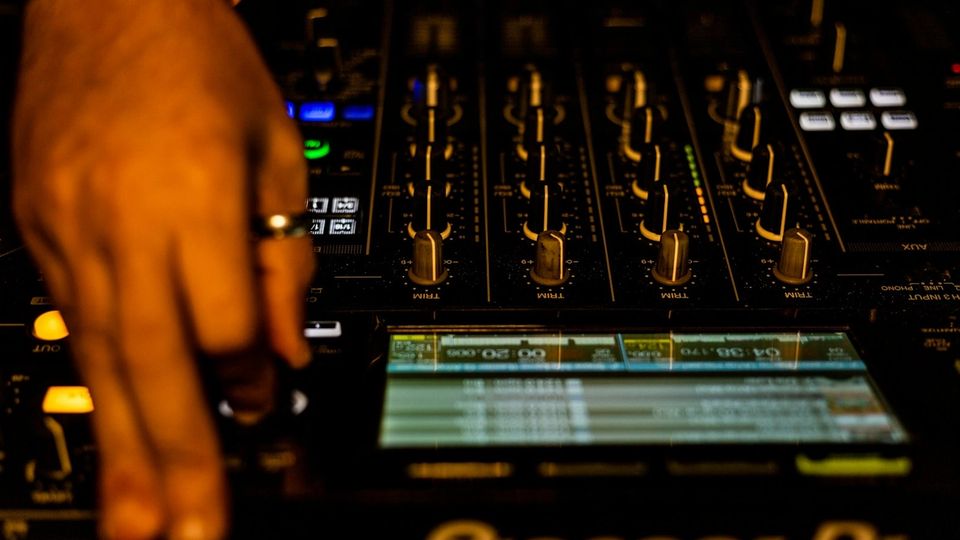
When Ohm connects to a Pioneer DJM mixer, it automatically switches the USB audio output to the post-fader Rec Out — so your fader moves, crossfader cuts and EQ changes are all in the recording.